Saved websites and files that work across your apps
Heaper 16.21 brings saved websites, versioned file editing, multiple file representations, beta WebDAV and Finder access, and smoother media browsing.
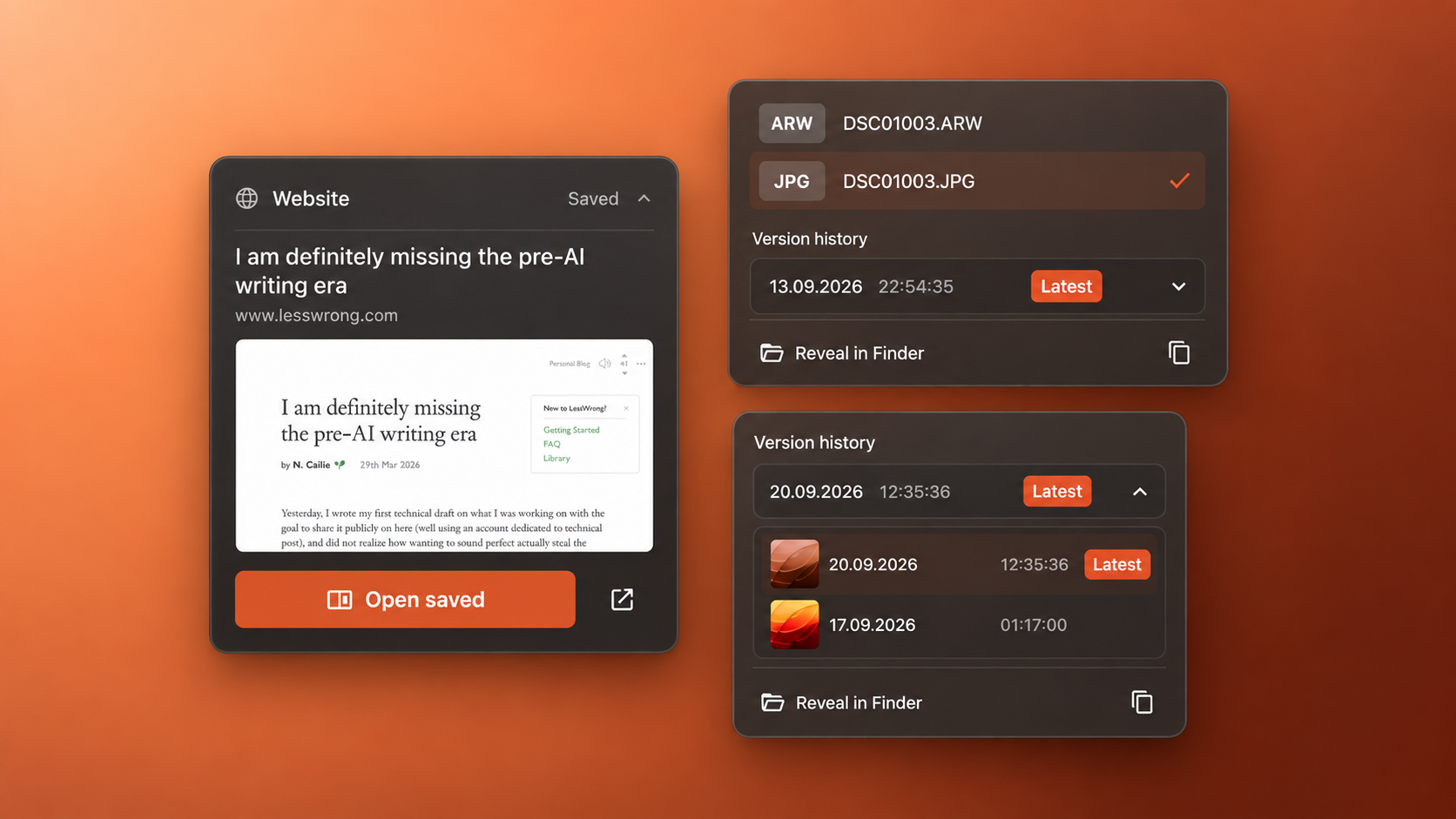
Keep websites for offline reading, work on Heaper files in your favorite applications, and keep different formats and revisions together on one block.
New Features
Bookmarks
Saved Websites and Captures
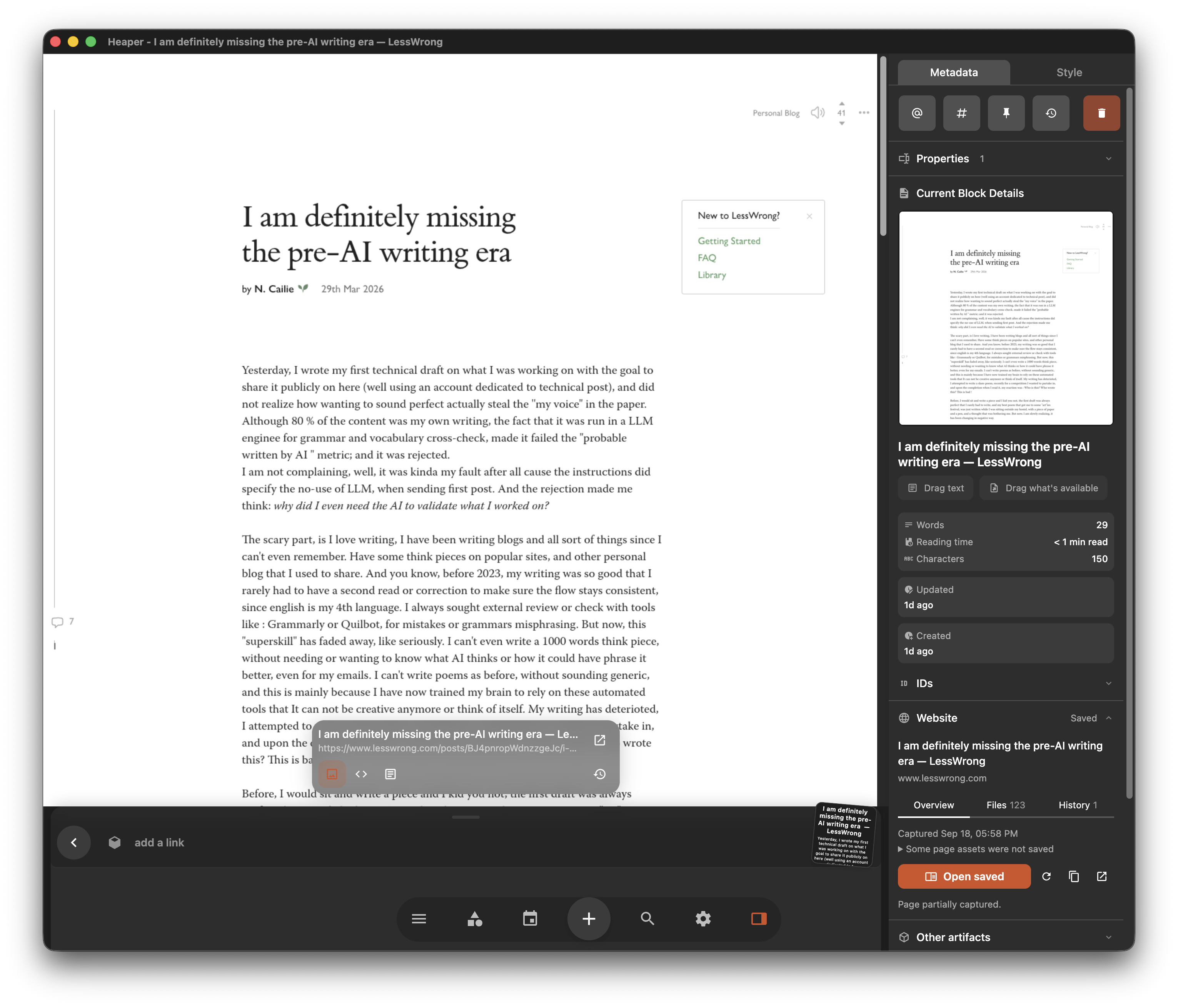
Save a website alongside your notes and files, then return to its captured content offline.
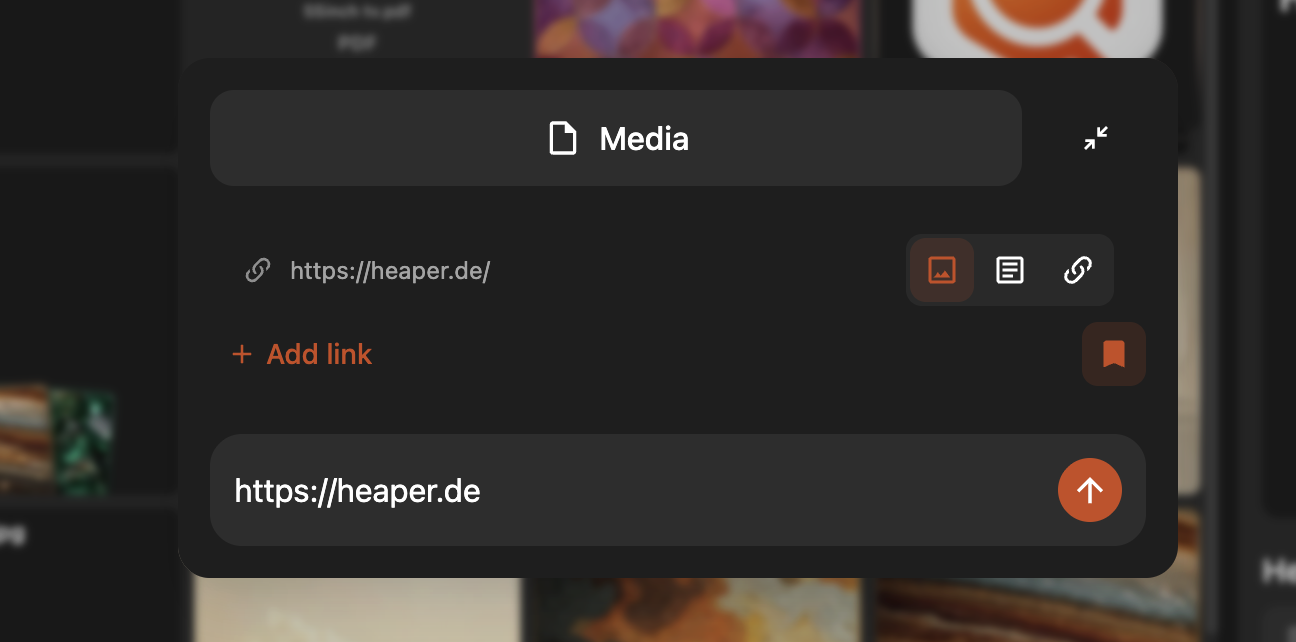
- Create bookmarks from URLs in the editor or Create sheet.
- Capture screenshots, readable articles, HTML, metadata, and thumbnails.
- Keep capture versions to track how a page changes, and pin saved websites like any other block.
Files
Versioned External Editing
Open files in other applications and bring your saves back into Heaper as new revisions.
- Work on Heaper files with your existing editing tools.
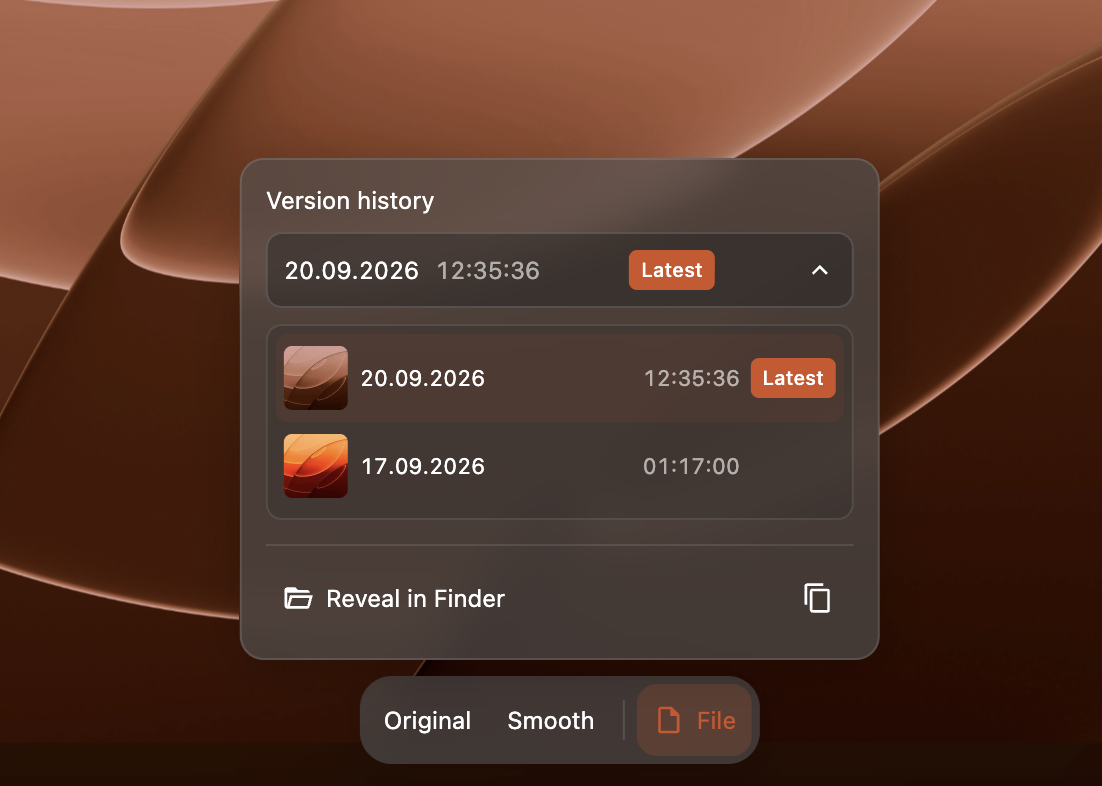
- Publish saves as immutable revisions, preserving earlier versions in the file's history.
Desktop
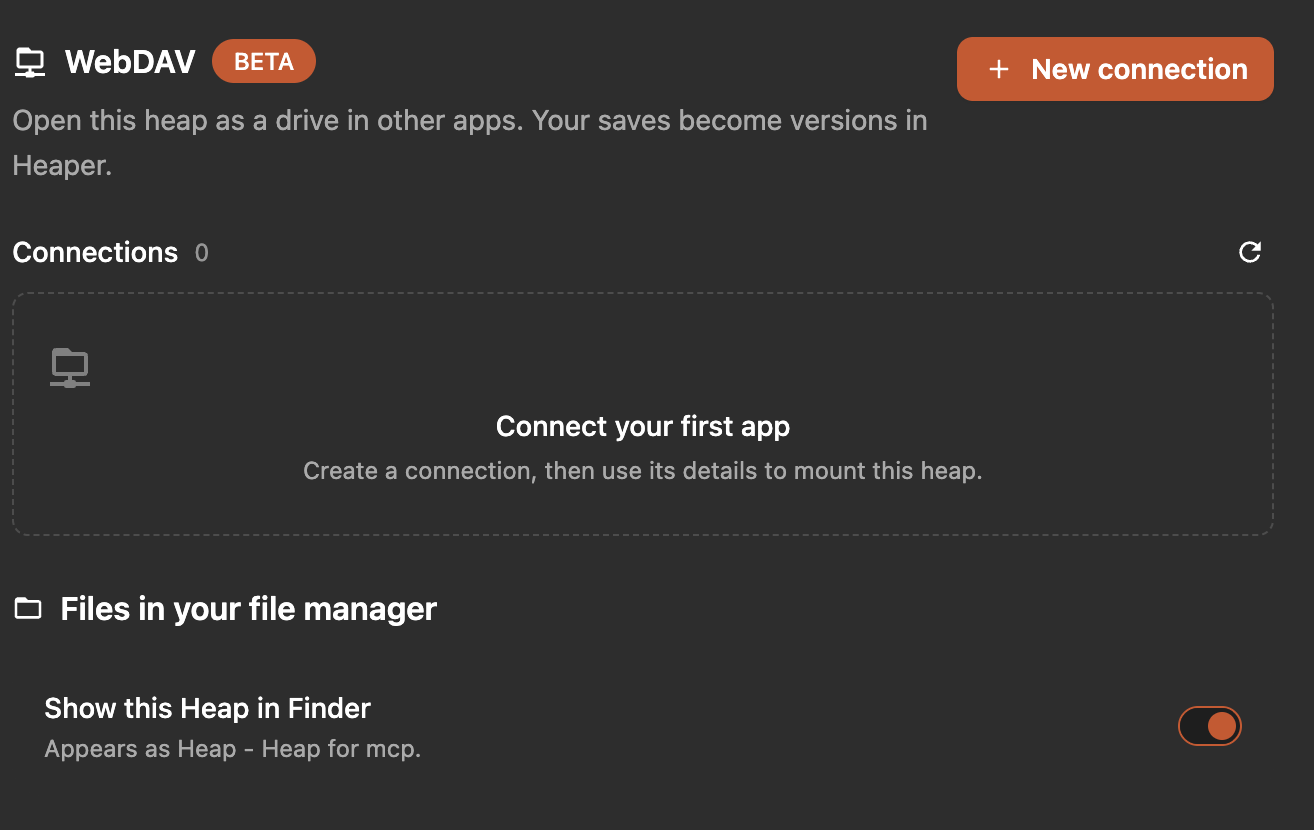
WebDAV and Finder Access (Beta)
Open a heap as a drive and work with its files from your file manager or another app.
- Browse, import, rename, edit, replace, delete, restore, and version files through mounted filesystems.
- On macOS, heaps appear as Heap - <heap name> in Finder.
- Choose whether each heap is visible in Finder from its settings.
Files
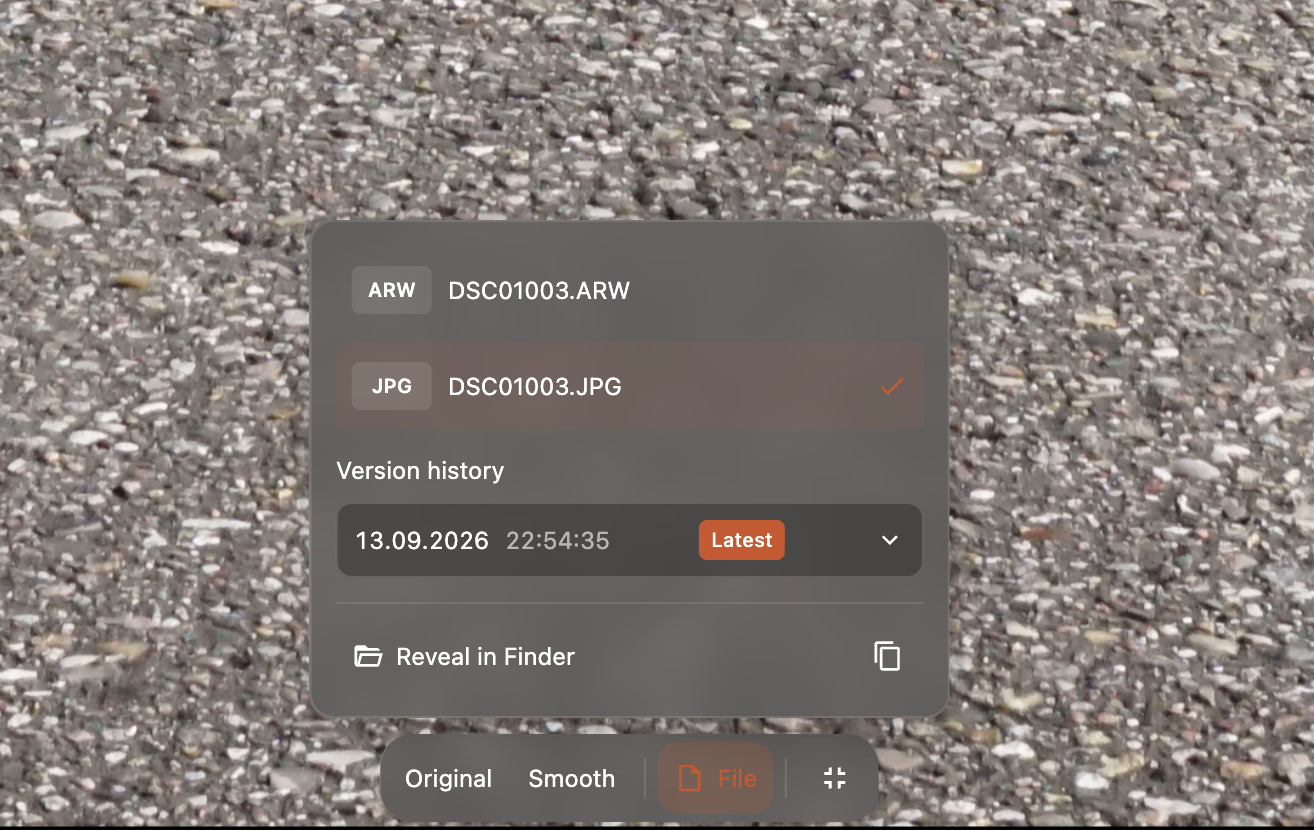
Multiple File Representations
Keep RAW, JPEG, and other formats together when they represent the same File, like export variants
- Keep independent representations, each with its own version history.
- Combine existing file blocks into one block.
- Choose a persistent default for previews, downloads, and sharing.
Agents
MCP Agents
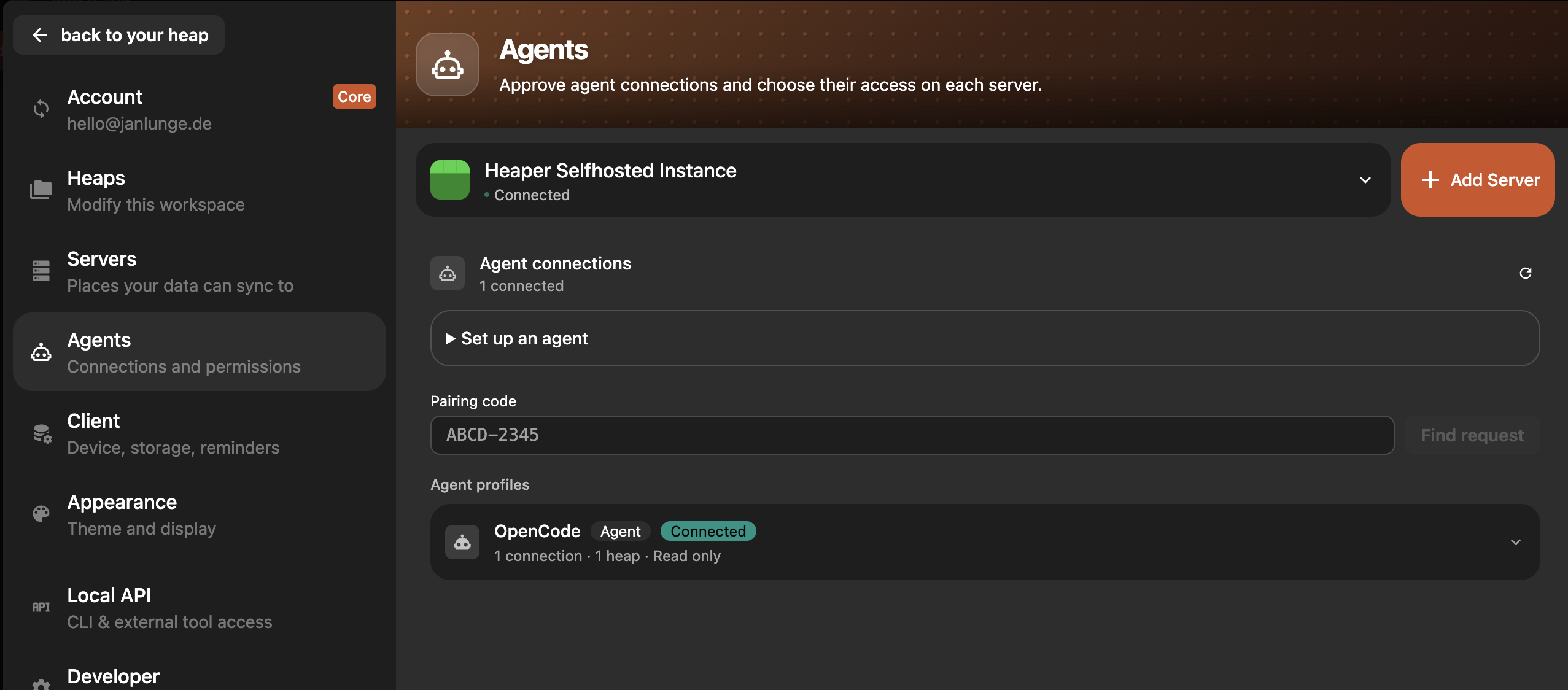
Connect agents from Settings and choose which heaps and actions they can access.
- Pair agents with Heaper Cloud or a self-hosted server.
- Select permissions and heaps, reconnect agents, or revoke access.
- Agents and the CLI can discover focused Heaper usage guides as skills.
Collaboration
Heap Invite Codes
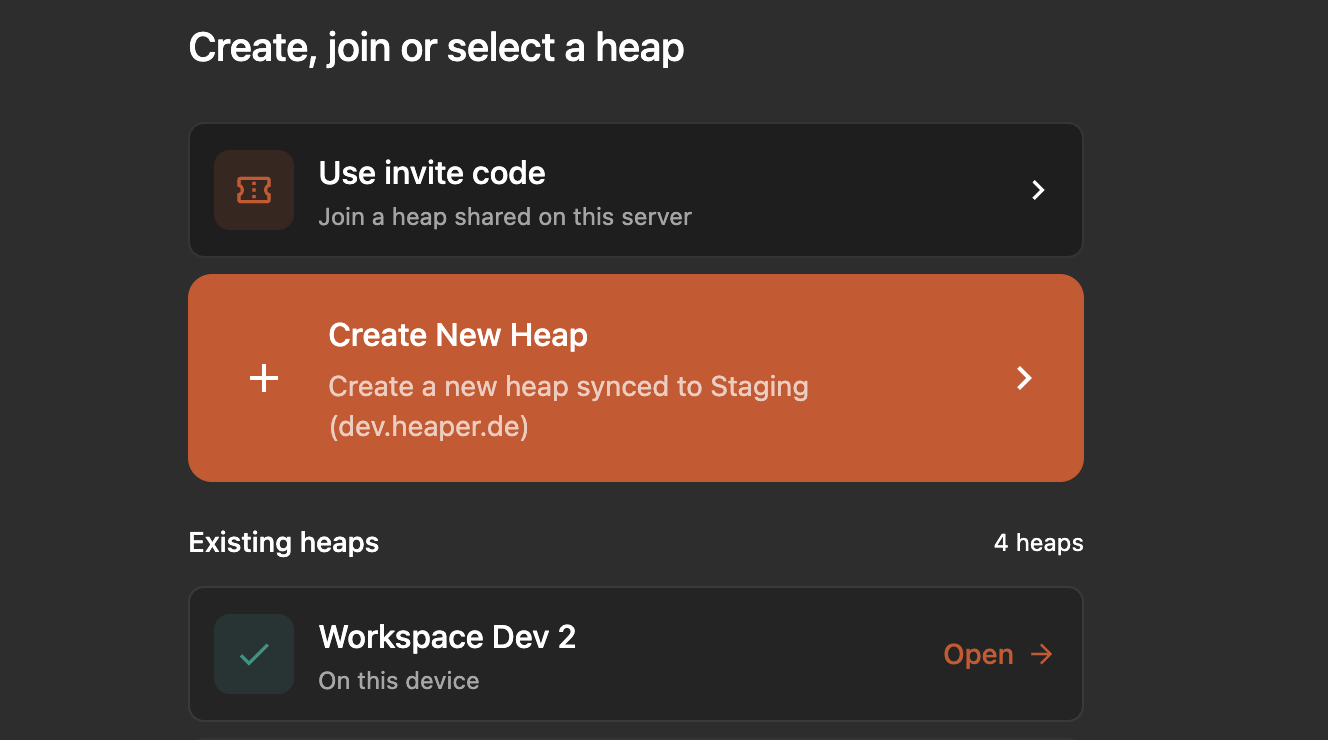
Join a shared heap directly from Add Heap.
- Enter an invite code, review the role and scope, and accept the invitation.
App
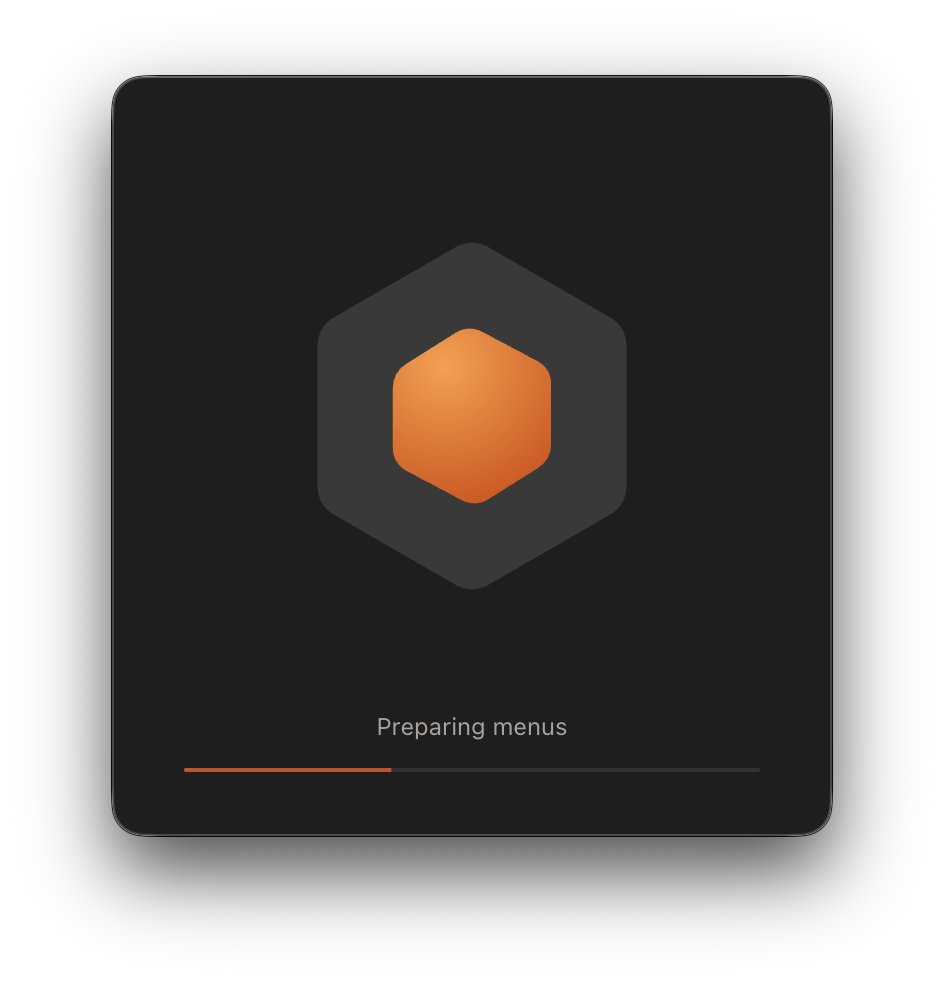
A New Startup Experience
Desktop and mobile now welcome you with an animated Heaper logo.
- Follow startup progress on the new splash screen.
- On desktop, the main window appears when it is ready to display, avoiding a blank or premature reveal.
- Shared Links: Open shared blocks in the native application through links containing the server URL and block ID.
Improvements
Media
Smoother Media Viewing
Images and videos have an ambient blurred backdrop and more flexible zooming.
- Zoom below the fitted size, snap back to fit, and recenter the picture when zooming out.
- Media resizes continuously as the bottom sheet moves.
- Opening media, Back, Forward, and reload preserve the source grid position, with smoother transitions and faster navigation in large heaps.
- Press Space to toggle video playback and use the arrow keys to seek 15 seconds. Playback controls stay in the video toolbar, and MKV files are recognized as video.

Editor
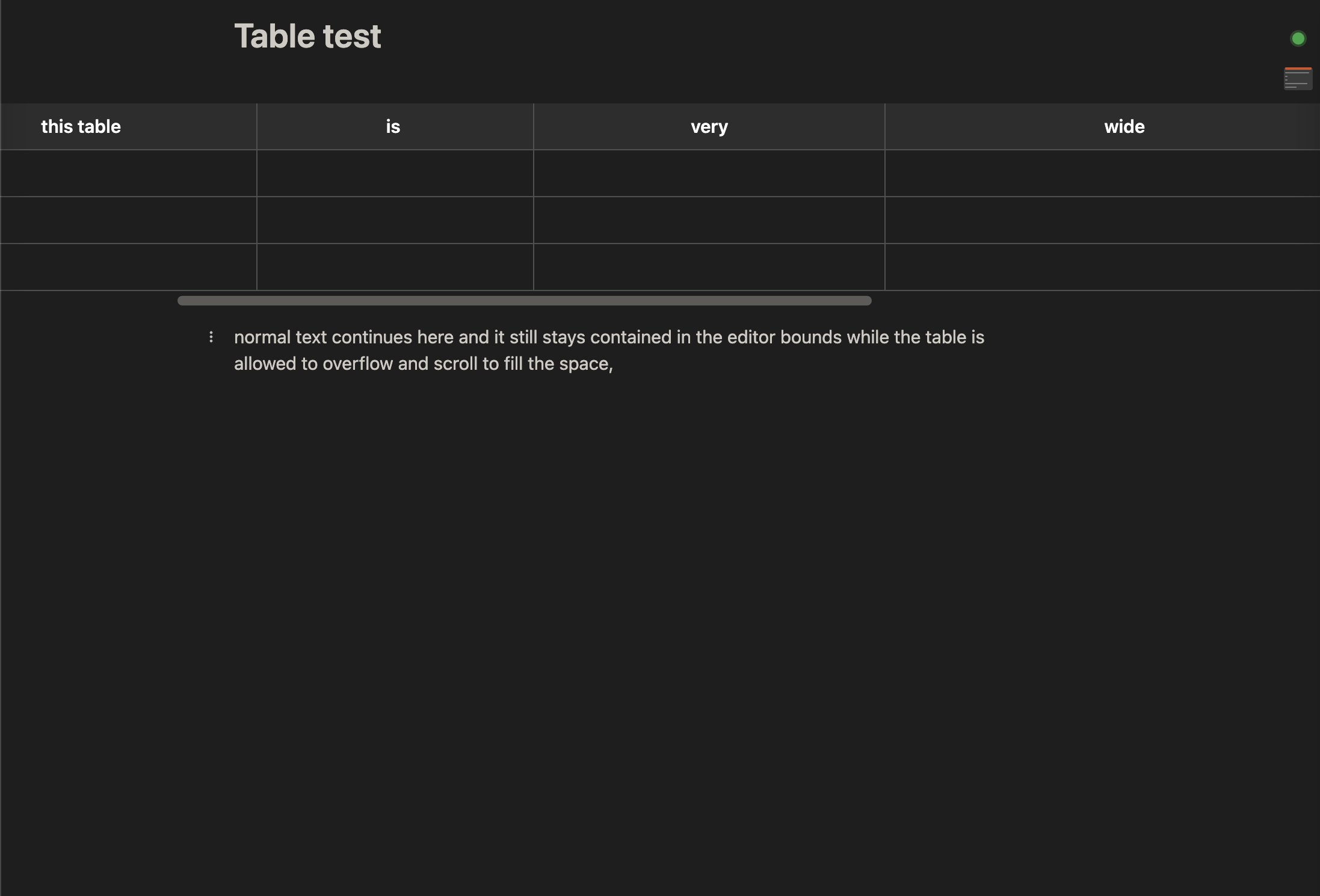
Wide Editor Tables
Give tables room to scroll while keeping surrounding text comfortable to read.
- Scroll tables through the full editor surface.
- Edge fades and floating controls make off-screen content easier to navigate.
Transfers
Faster Imports and Uploads
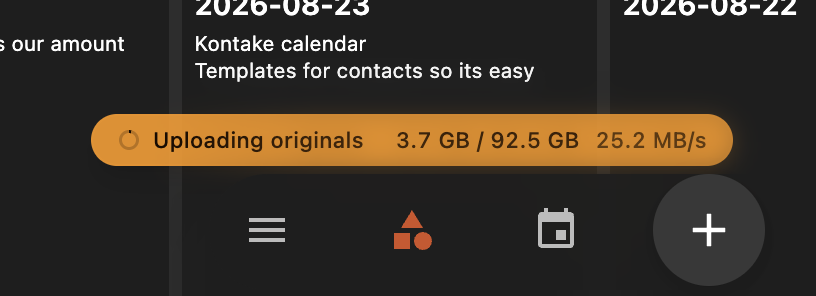
Prepare large files faster and see clearer progress while originals upload.
- Native imports prepare and hash files as a cancellable stream.
- Resumable uploads transfer up to four chunks concurrently and show live bytes, speed, item progress, and resumed progress.
- Uploads are roughly 3× faster and import hashing about 10× faster.
- The sync indicator clears correctly after an empty upload check.
- Large Grids: Visible content loads before total counts, navigation scales to million-entry collections, and extremely long grids remain fully reachable.
- Teleprompter: Improved local and remote settings, exact speed and font-size inputs, fractional scrolling, skip controls, position-preserving previews, device selection, and an optional reading line.
- File and Mobile Controls: File menus and video toolbars respond more smoothly. The mobile Back button has a larger accessible touch target and improved collapsed spacing.
- Documentation: Missing documentation routes now show a dedicated 404 page.
Bug Fixes
- Trash Recovery: Restored blocks no longer get moved back to Trash during sync. Duplicate detection and Empty Trash respect deletion state confirmed by the server.
- Bulk Deletion: Deleting more than 50 blocks at once no longer times out.
- MP4 Uploads: Original videos are preserved if saving thumbnail or sprite metadata fails, so previews can be recovered later.
- Property Backlinks: Restored missing property backlinks on native clients and added a repair for existing local caches.
- Sync Reliability: Fixed stale connections, repeated denied connection attempts, and new documents being broadcast before they were saved.
- Database Responsiveness: Refreshing tag hierarchies no longer blocks local database writes.
- Mobile Recovery: Prevented reloads before writes reach the native journal and limited stalled handoffs during app lifecycle changes.
- Missing Local Originals: File detail views can recover when an original is unavailable locally but remote or cached data still exists.
- Create Sheet Files: Text files are no longer converted prematurely or lost when submission fails.
- Editor Layout: The front-matter panel no longer grows beyond the editor width.
- MCP Pairing: Fixed interrupted pairing recovery, connection status, return routing after sign-in, structured tool results, and discovery of optional write permissions.